
How to Search Cases by Name
Start with MyCase Indiana, also known as Odyssey Public Access. It is the free statewide search covering Johnson County Circuit, Superior, and city court dockets. Under the Name tab, a person search and a business search stay separate. You must enter a last name first. Only then can a first name, middle name, or date of birth narrow things down. Business names cannot be mixed with person fields. Sounds-like options catch spelling variants.
- Open the official MyCase search and choose Name.
- Enter the last name, then add a first name only when known.
- Select Johnson County or the known Franklin or Greenwood City Court.
- Narrow by category, status, or filed-date range.
- Compare the court, number, type, file date, and status before opening the CCS.
A matching name proves nothing by itself. Common surnames pull up cases that belong to other people entirely. The form accepts a date of birth. That does not mean you should type one in. Narrow the public case with the least private fact that works.
| Field label | Type | Required | Notes |
|---|---|---|---|
| Last Name | Text | Yes for person search | About 40 characters; end wildcards are supported |
| First/Middle | Text | No | Requires last name |
| Date of Birth | Date | No | Uses mm/dd/yyyy and requires last name |
| Business Name | Text | Alternative | Cannot combine with person fields |
| Court/Category | Selector | No | Narrows Johnson, city court, and case family |
Johnson MyCase Search Tabs
MyCase gives you three tabs: Case, Name, and Attorney. The Case tab takes a case number, citation, or cross-reference. Name searches work for people and businesses alike. Attorney searches accept a lawyer's name or bar number. Every route lands on the same Odyssey case summaries, though picking the right tab cuts down false hits. The official MyCase search model documents the Johnson County case lookup fields.
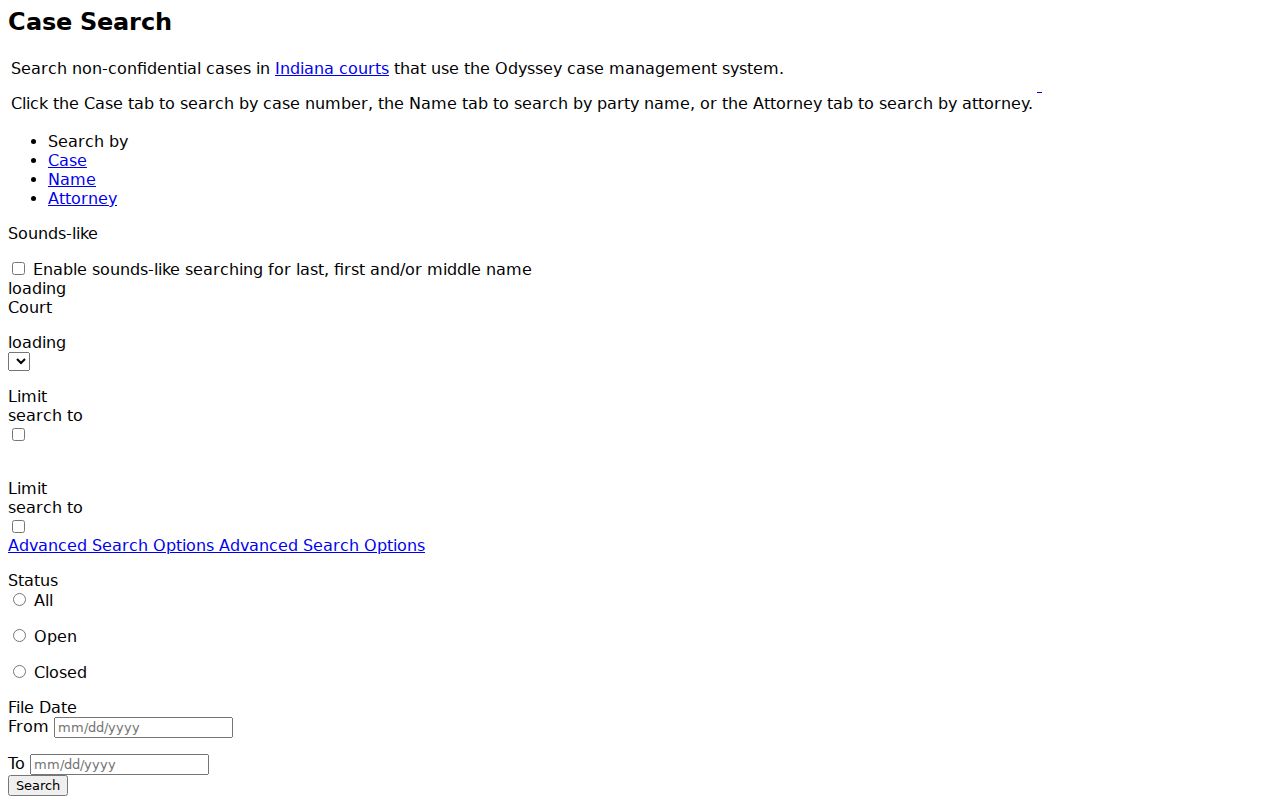
Treat that reference as a field guide only. The live portal holds the current Johnson County court docket, and nothing private is stored there.
How to Search by Case Number
Nothing beats a full case number for a precise Johnson County case lookup. Indiana Administrative Rule 8 packs a lot into one string. The county, court, filing year and month, case type, and sequence all fit there. Take 41D03-2401-CM-000123: 41 is Johnson County, D03 marks Superior Court 3, 2401 gives the year and month, and CM signals a misdemeanor. The final group is the filing sequence. That string is a format example, not a real case.
Court prefixes follow the same logic. Circuit Court is 41C01; the Superior Courts run 41D01 through 41D04. Franklin City Court uses 41H01, and Greenwood uses 41H02. MyCase accepts a complete number or an end wildcard. Search tips cover hyphens and leading zeros.
Johnson Court Choices Matter
Selecting only "Johnson County" can hide the city-court fork. Franklin and Greenwood appear as their own choices and keep their own case files. Search the court printed on your notice or encoded in the case number. If you do not know it, cast a wide net first. Verify the identifier before you rely on any result.
| 41C01 | Johnson Circuit Court, including juvenile and family allocations. |
|---|---|
| 41D01-D04 | Johnson Superior Courts 1 through 4. |
| 41H01 | Johnson/Franklin City Court. |
| 41H02 | Johnson/Greenwood City Court. |
Case type offers another clue. CM and IF files generally land in Superior Court 3 under local rules, while probate codes go principally to Superior Court 2, and city matters keep an H court identifier. Transfers and related-case rules can scramble those assumptions. The live court field on the case controls.
What a Case Search Shows
A result list defaults to 20 entries and can paginate up to 1,000. Sorting works by case number, file date, case style, or status date. Broad searches can hit the cap. So "no visible match" never means "no case." Add a court, category, status, or date range to tighten things.
The Case Summary may hold a lot. Look for a header, parties and roles, attorneys, charges, bonds, the CCS, linked public documents, financial rows, and a conditional payment control. The source itself warns that the display can contain errors or omissions. It is not the official record.
| Case number | The uniform Johnson County court identifier. |
|---|---|
| Case style | The public caption, read with the court and number. |
| Type and status | The case classification and current open or closed state. |
| CCS | Dated filings, settings, orders, results, and document links. |
| Financials | Charges, credits, payments, and a balance as of a stated time. |
The official Case Summary model pictured here shows the structure without preserving private values.
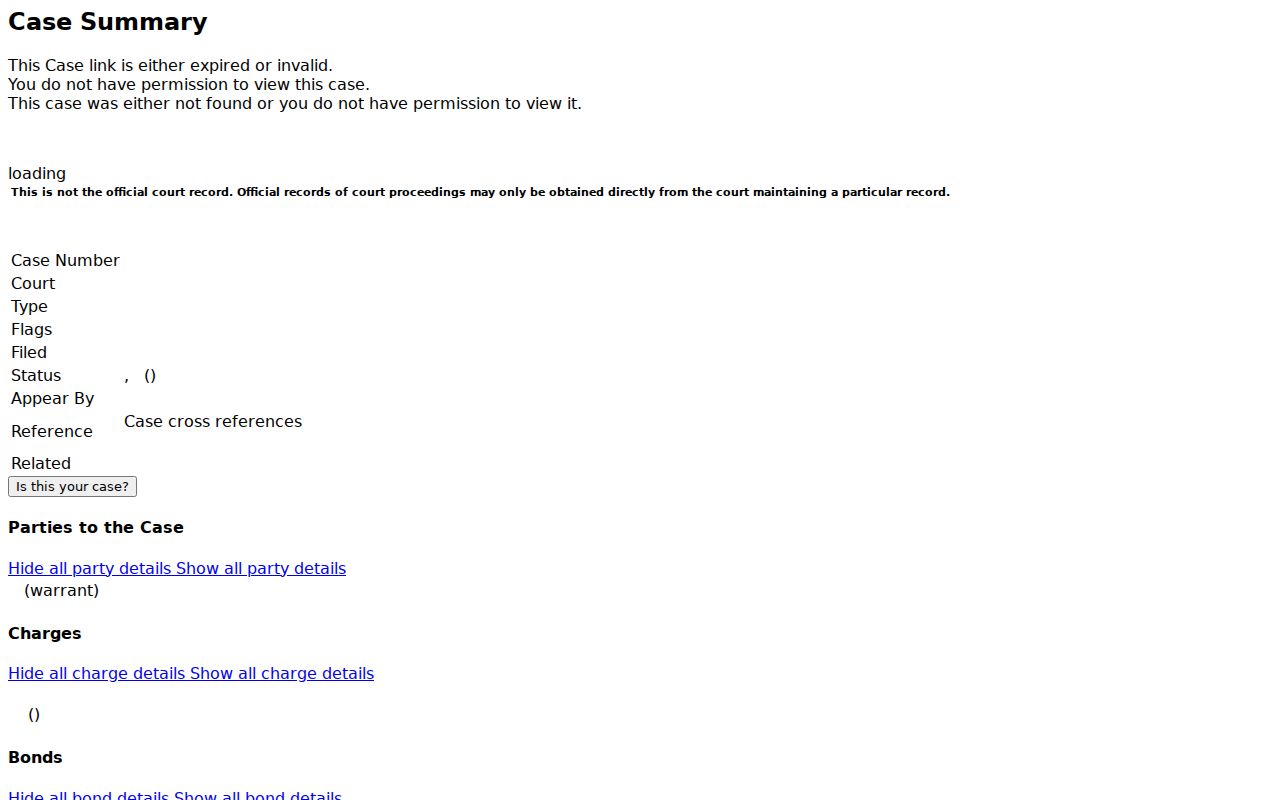
The model also separates a docket entry from an attached filed document. When no icon appears, a public online copy may simply be unavailable; the filing itself may still exist.
Johnson Search Limits and CAPTCHA
Run too many searches and a CAPTCHA may appear. Together with the 1,000-result cap, that safeguard keeps MyCase a public lookup tool. It is not a bulk-data feed. Search one known identifier at a time when you can. For compiled or bulk public data held by the Office of Judicial Administration, use the applicable Rule 9 process. Do not automate the portal.
Timing matters too. A new ticket can take up to ten business days to show up. Try the citation in MyCase and the UTT in ePay, then call the maintaining court. And remember, a missing payment button does not prove the balance is zero. The Clerk supplies the official current amount.
County vs Statewide Case Search
Johnson County offers no separate county-built case database behind MyCase. The statewide Odyssey portal serves as the online county case lookup for participating local courts. County and city clerks remain the official record custodians behind that display.
| MyCase statewide layer | Johnson clerk layer |
|---|---|
| Free public search across Odyssey courts | Official county trial-court file and certification |
| Case summaries and selected documents | Paper, older, missing, or certified records |
| Anonymous public access | Phone, counter, mail, and office-specific delivery |
| Not the official record | Maintaining custodian for official copies |
For Circuit and Superior Court records, use the Johnson County Clerk at 5 E Jefferson Street, Franklin. You can also call 317-346-4450. An H01 or H02 case belongs to Franklin or Greenwood City Court, so contact that court directly. The county provides no official public terminal. Confirm mail, fax, or email routes with the assigned office. Superior Court 4's copy email is not countywide.
When Johnson Search Returns Nothing
Start by checking the court and every digit of the number. Then try the citation or cross-reference field. New cases need posting time, so wait a bit. Older civil, divorce, and criminal files may sit in the Clerk's microfilm indexes rather than a complete MyCase image set, and converted events from the pre-Odyssey system may carry no current PDF.
- Protection orders use the separate official Protection Order Search.
- Juvenile, confidential, sealed, and expunged material may not appear.
- A paper or microfilm record may still exist at the Clerk.
- Party access needs an Indiana Courts account and case access code.
- Attorney access uses Courts Portal and role-based permissions.
Write down a few details before you call about a missing public filing. The court, the case number, the event date, and a short description of the document all help the clerk pull the right Johnson County file quickly.
Restricted Cases and Access Rules
Indiana Access Rule 4 starts from openness. Records stay public unless a specific rule takes them out. Access Rule 5 does that excluding. It shields protected personal data, juvenile material, sealed records, and several other confidential categories. Even then, a public notation can stay visible while the protected part stays withheld. Some Johnson County court records sit outside ordinary MyCase searching entirely. Protection-order identifying information is one example. Juvenile CHINS, delinquency, paternity, status, and termination files all face statutory limits, and records erased by a granted expungement can drop out of public search. So a thin Johnson County case lookup never proves that nothing else exists.
Access path: Public MyCase search, then the separate protection-order route when relevant, then the maintaining clerk for a missing public record. Extraordinary access to excluded material follows Rule 9 and a court order.
Verify a Johnson County Case
Verification means capturing the right details. Save the official URL and the full case number. Also save the court, the case type, the status date, and the date you checked it. Then compare the newest CCS event against any public document link. A hearing may be coming up. If so, confirm the current setting through the Johnson County court dates process. Need a certified copy or a document that is missing? Turn to the Johnson County court record search and the clerk's request channels. MyCase works well as a first layer. For the official file, certification, a current balance, transcript routing, a confidentiality question, or an older record, the Johnson County Clerk or the separate city clerk is the final stop.